Casual games and card-table classics for puzzles, friends, and offline play.
✨ NEW
HangTime!
Toss Your Phone. Catch It. Compete.
Airtime Logbook • Game Center • No Ads
Toss your phone into the air, catch it, and compete for the most airtime. HangTime! measures each toss, saves your flight history, and ranks your best score on Game Center.
✨ NEW
Golf - CardCraft
Outsmart Friends. Score Low.
4-, 6- & 9-Card • Offline, Nearby & Online
Build a smarter grid, cancel matching columns, and finish with the lowest score. Play against thoughtful opponents, nearby friends, or online through Game Center—with no ads or in-app purchases.
✨ NEW
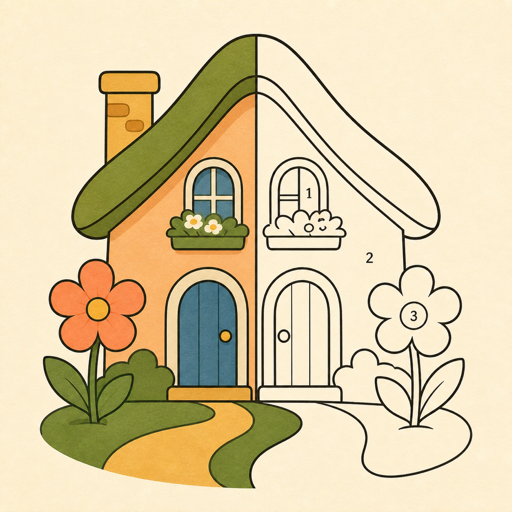
Color Haven
Relaxing Paint by Number
204 Paintings • 6 Free • No Ads
Slow down and color awhile. Explore a hand-picked collection with flexible guidance, private on-device progress, and one optional lifetime gallery unlock.
Learn more about Color Haven
🔥 MOST POPULAR
Snap Jigsaw
Photo Puzzle Studio
3.1M+ Photo Puzzles
Play 3.1 million real art puzzles for free. Create puzzles from your photos. Challenge friends for time with the same scramble. Compete for a top spot on Game Center leaderboards.
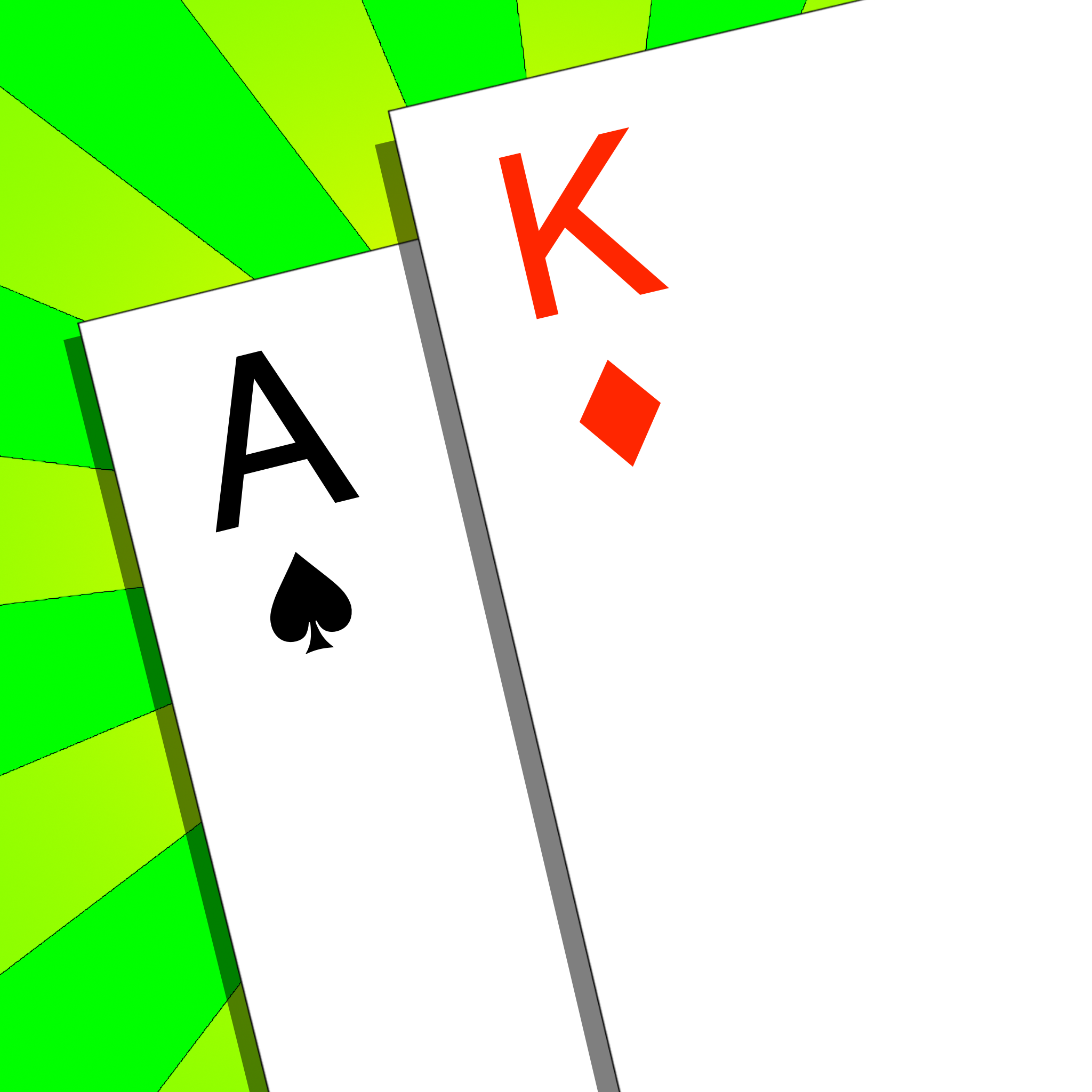
Cards with Phones
Classic Card Games
Local Multiplayer Gaming
Play 7 classic card games with friends using local Bluetooth/WiFi. Support for up to 8 players with robot opponents and automatic scorekeeping.
✨ NEW
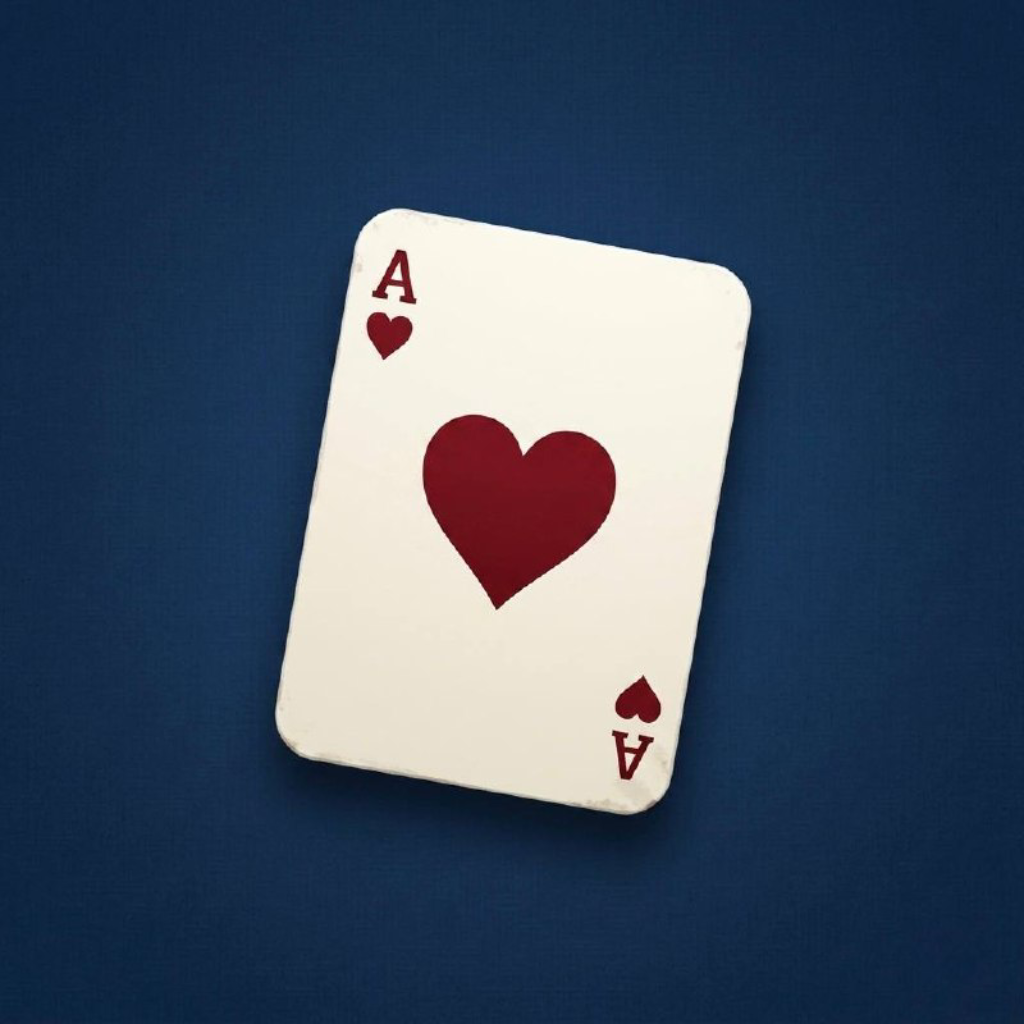
Hearts - Cardcraft
Classic Trick-Taking Strategy
Offline AI • Nearby Multiplayer
Play classic Hearts against smart offline AI or nearby friends, with 3-, 4-, and 5-player variants, smooth drag-to-play controls, built-in rules, and no ads.
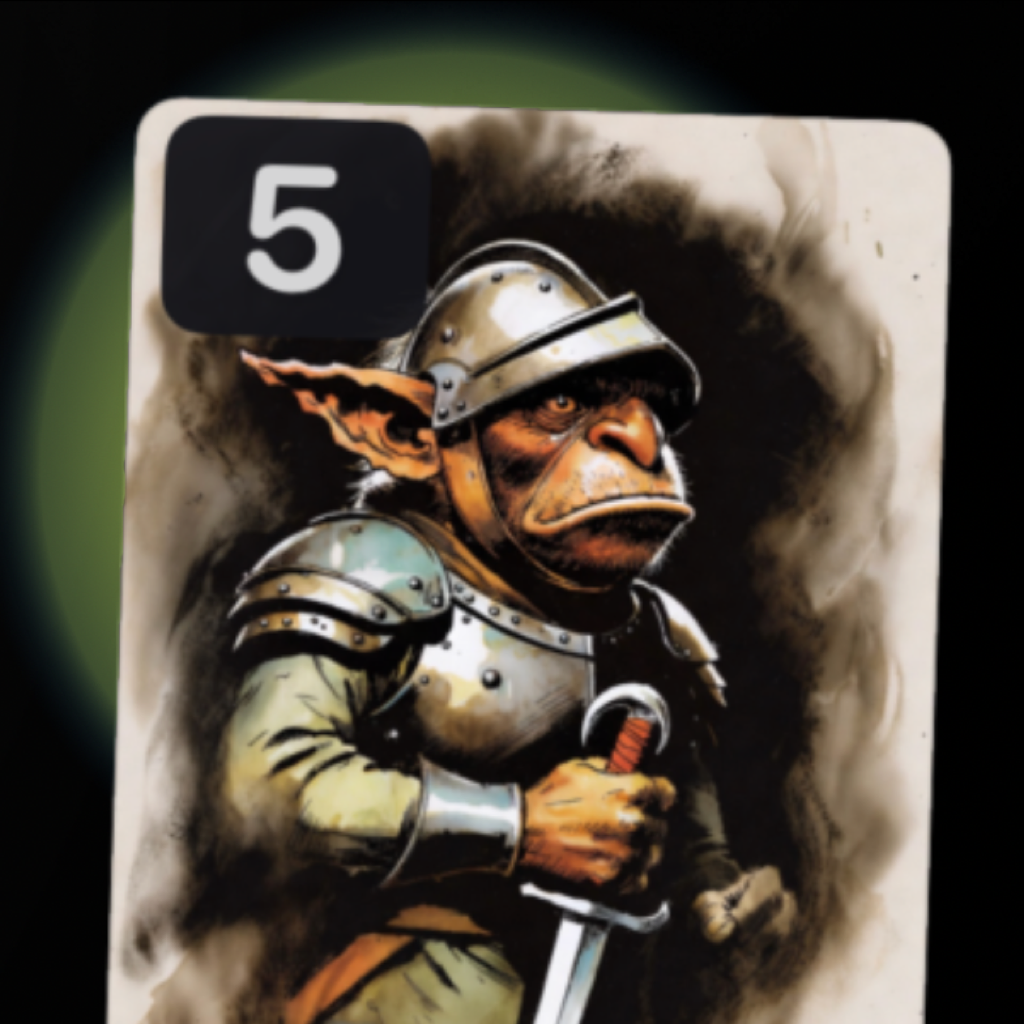
Scoundrel - Cardcraft
Solo Dungeon Card Crawl
Classic • Underkeep • Offline
Turn a deck of cards into a tense solo dungeon crawl. Fight monsters, chain weapons, time your heals, and explore Classic or the deeper 10-floor Underkeep — with no ads, timers, or energy systems.
Gin Rummy - Cardcraft
Serious Cards. Serious Opponents.
Offline AI • Nearby 2-Player
A modern Gin Rummy experience with distinct AI personalities, nearby multiplayer, smooth drag-to-play controls, and deep performance stats. No ads. No subscriptions. Free to play.
German Whist - Cardcraft
Classic Trick-Taking Strategy
Offline AI • Nearby 2-Player
Play a polished two-player trick-taking classic against smart offline AI or nearby friends. Smooth drag-to-play controls, built-in rules, stats, and no ads.
Hello Rocket
Physics-Based Demolition
72 Levels • Game Center
Topple towers, explode bombs, roll orbs, and knock over cute little bad guys across 72 levels of hilarious physics-based demolition. Compare high scores with players around the world.